Nordisk Hjälp
Digital designer (2017 Dec—2021 Aug, 2022 Sep—2025 Mar)
At Malmö
Worked with technical and digital solutions for improved work effectiveness. Created structure and implemented more effective communications and processes.
The following is a simplified list of most of what I worked with during my time at this charity. As it spans over the course of 3.5 years there's quite a lot to mention!
Work tasks and acquired skills
- Further copy editing in both English and Swedish.
- Took part in the creation of a graphics manual (.pdf) and also a ~90 page workshop book.
- Better knowledge in page composition and layout.
- Designed five box covers for a campaign where donations come through the buying of dates (the fruit).
- Set some standards and pushed for others in terms of documentation for this organization.
- Implemented what I call a digital /map/ link, which includes a link to the documentation.
- Implemented scaffolded/intermediary solution for the CRM. That includes using Google Sheets, JavaScript and command-line coding to creatively resolve certain steps (some ETL involved). Manual data validation for this solution was needed as well.
- Implemented and worked with a CRM intended for nonprofits (CiviCRM).
- Knowledge of working on Virtual private servers (the choice of VPS is VULTR).
- This includes working through SSH to be able to install and maintain: Ubuntu Linux, Apache, MySQL, PHP (including Composer).
- (Specifically for the CRM) Monthly update of both Drupal, CiviCRM and their dependencies.
- Understanding the webmaster role to work with: subdomains, SSL, SMTP, Cron and how to backup data through FTP/SSH.
- Better understanding of some web development knowledge.
- Overlooking WordPress and WordPress plugin updates.
- Working with and maintenance on a NAS (a.k.a. Network Attached Server).
- The copying of NAS data through FreeFileSync to 2×HDD through RaiDrive as backup storage.
- Video editing and post-production knowledge. Able to work with subtitles (in .srt) and some motion graphics. Also took care of music choice at times (opting for the cc0 license).
- Solid understanding of Social Media formats and delivery.
- Some/little improvement in marketing knowledge. Made several evaluations and a marketing plan (.pdf).
- Helped troubleshoot technical issues which could range from Wi-Fi, Email, Operating Systems, Office(365), scanning/printing/hardware, WordPress, Facebook, or even resolving the Skattereduktion (KU65) format.
- Process of the technical onboarding of new coworkers, which includes login access to all services and appropriate files.
- Maintaining an inventory and assessment of current computers and equipment. Also ensuring they are usable and up-to-date.
- Creation of a lot of the assets used for campaigns/projects (includes touch up of photos).
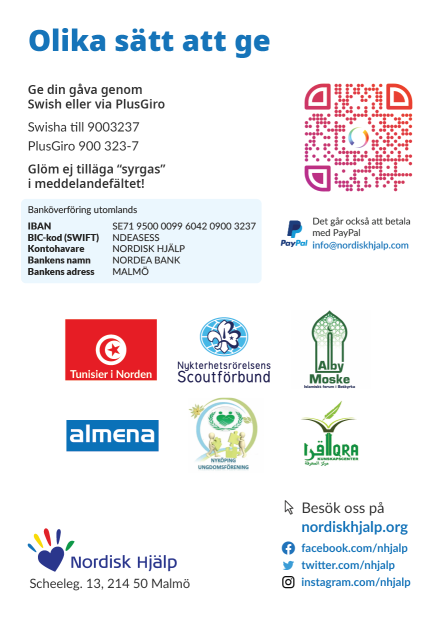
- Created and worked with document files, certificates, business cards, brochures and booklets. Also with larger sized formats which include flyers, roll-ups and signboards.
- Documentation on a wide variety of topics for frequently asked questions, technical hiccups and processes (using MDwiki).
Graphics Manual
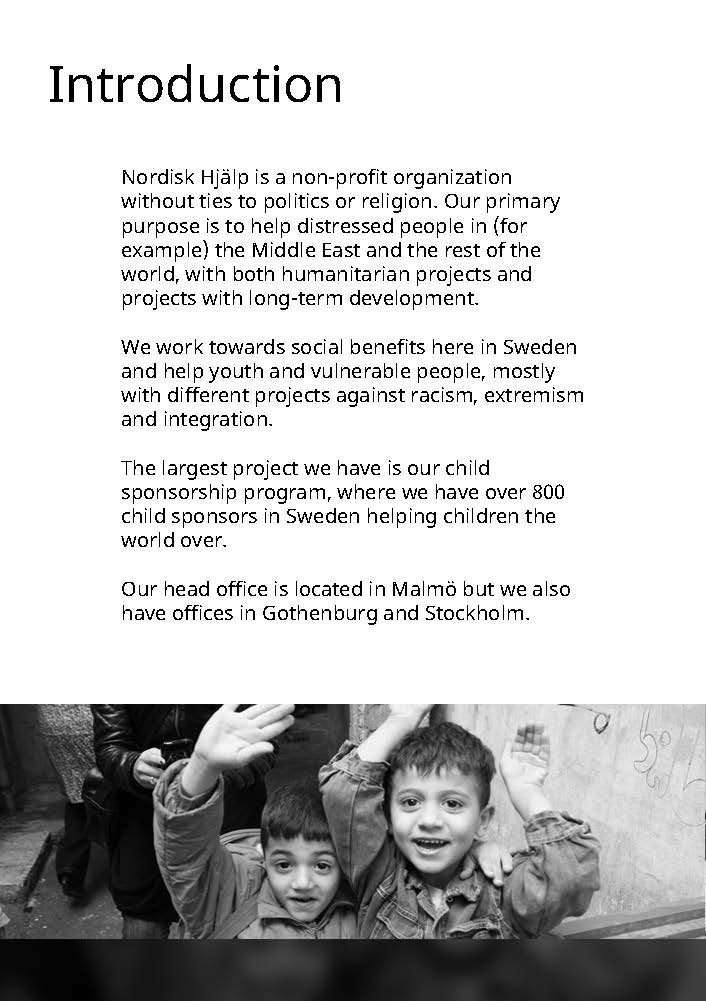
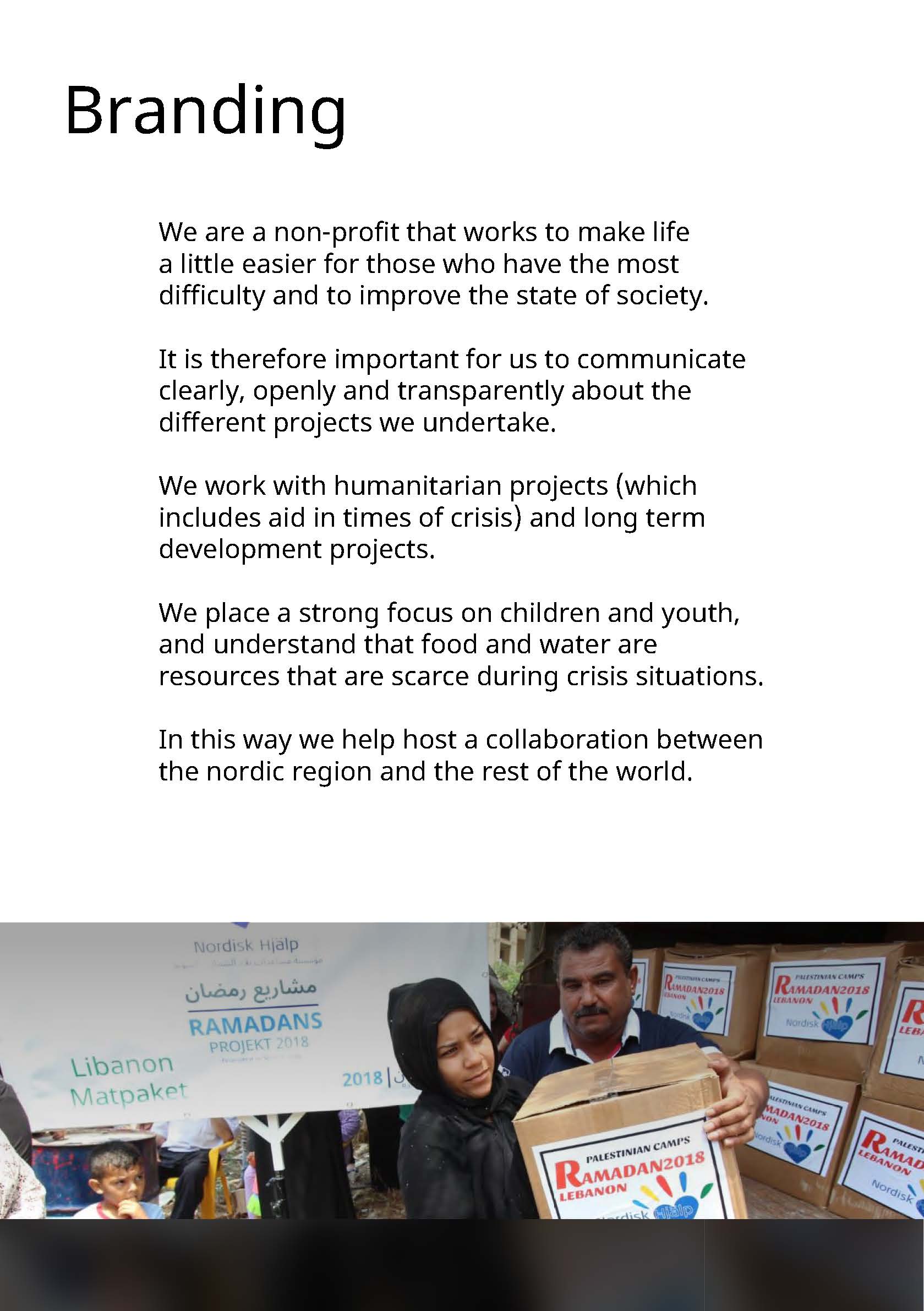
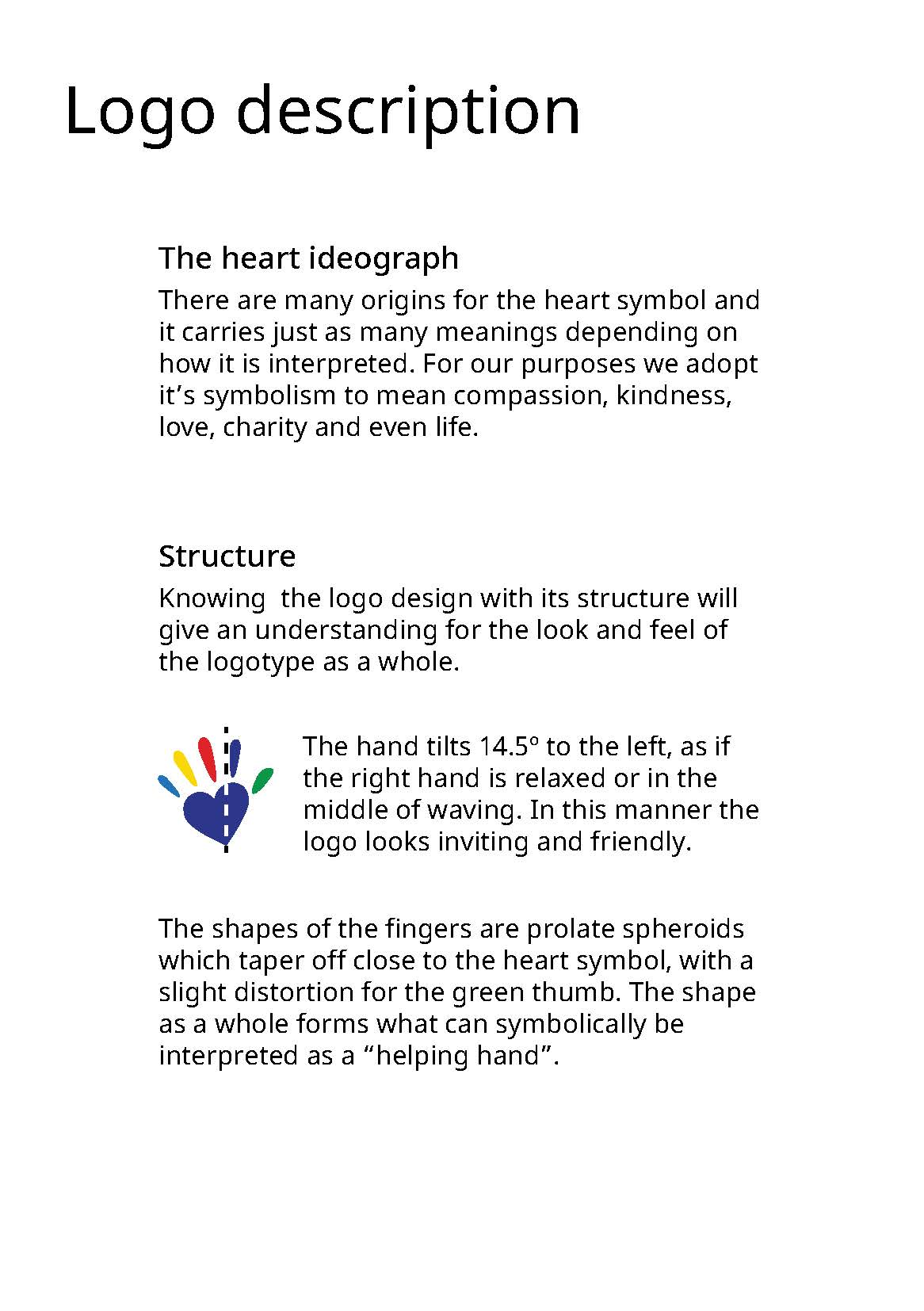
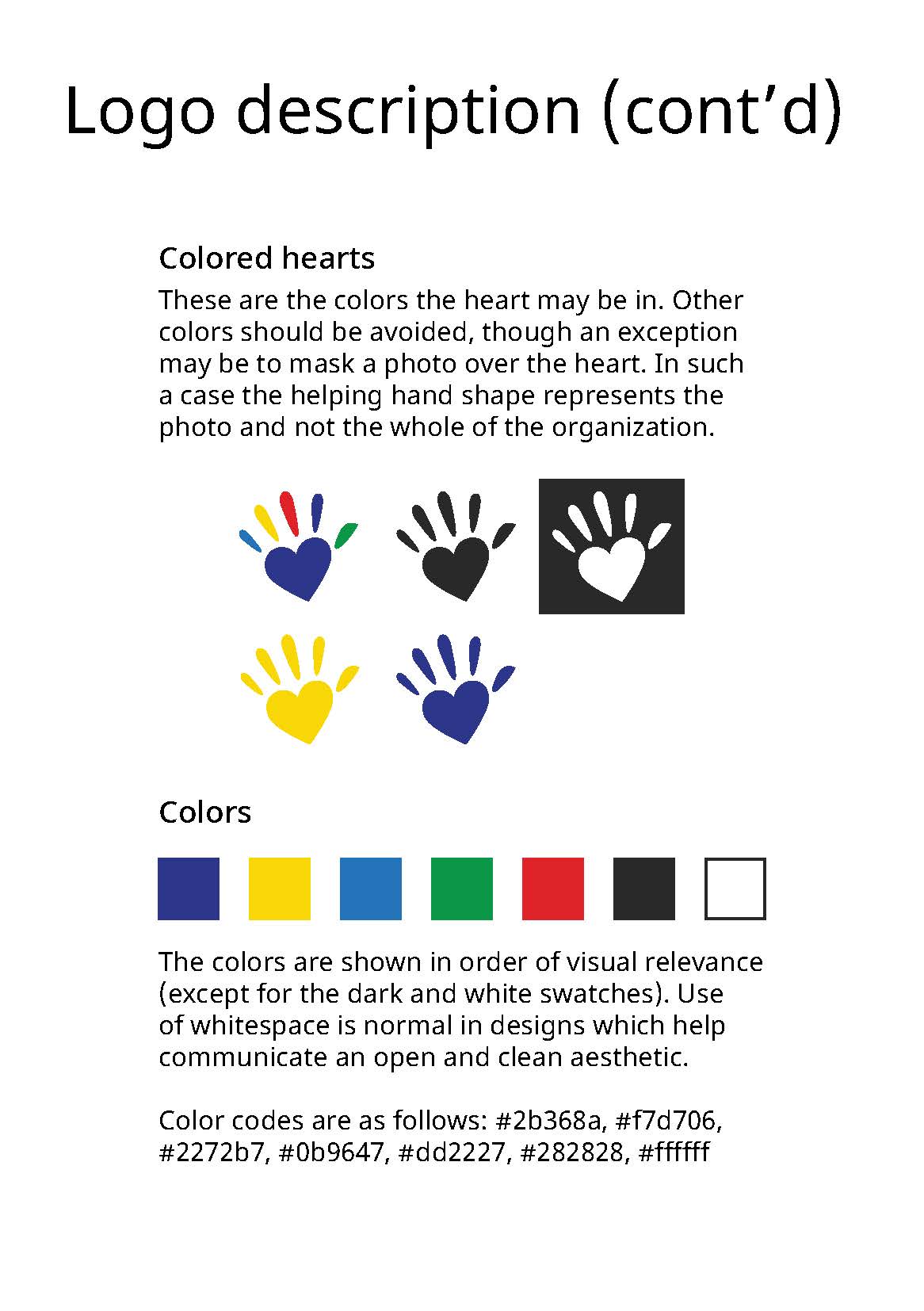
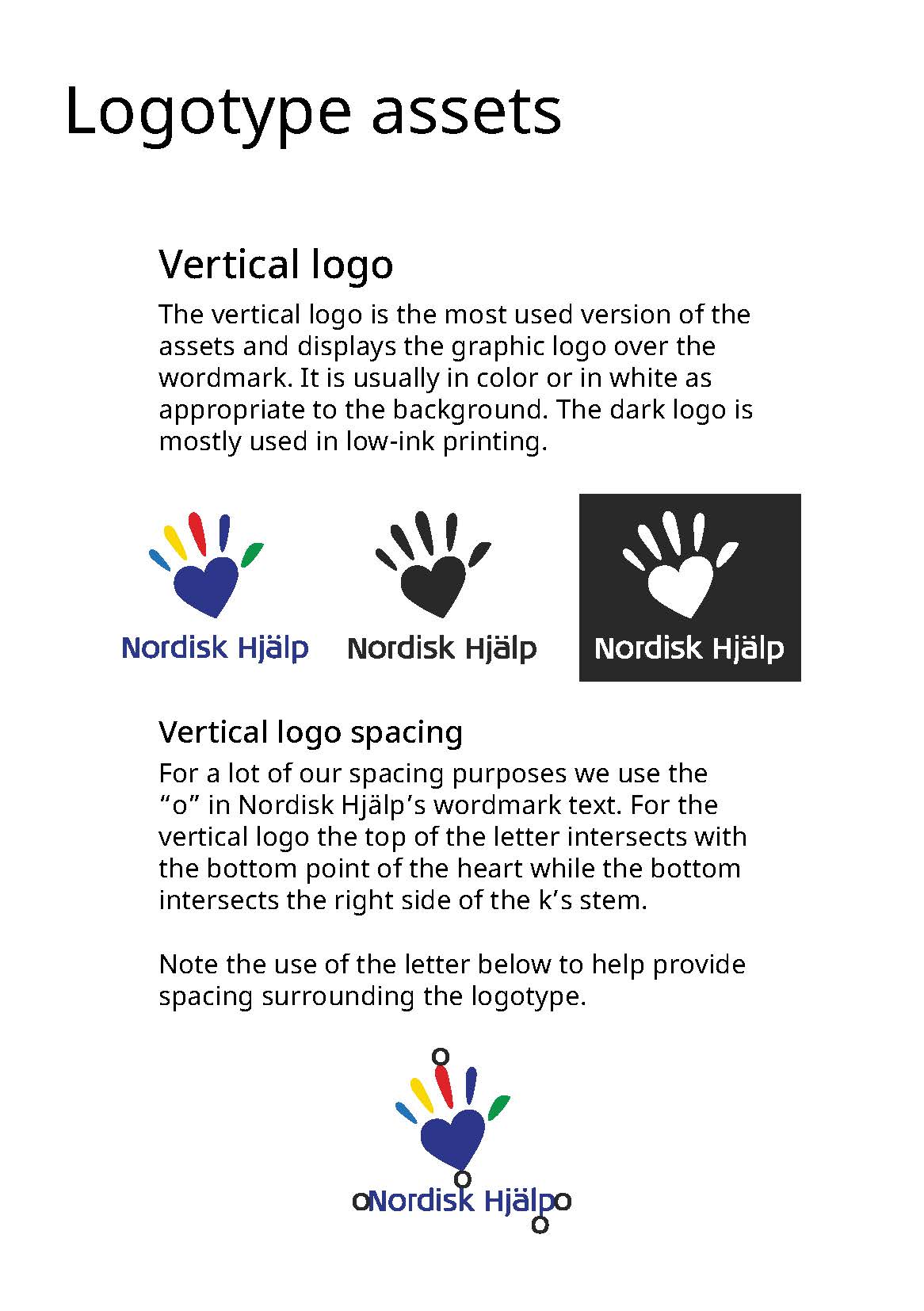
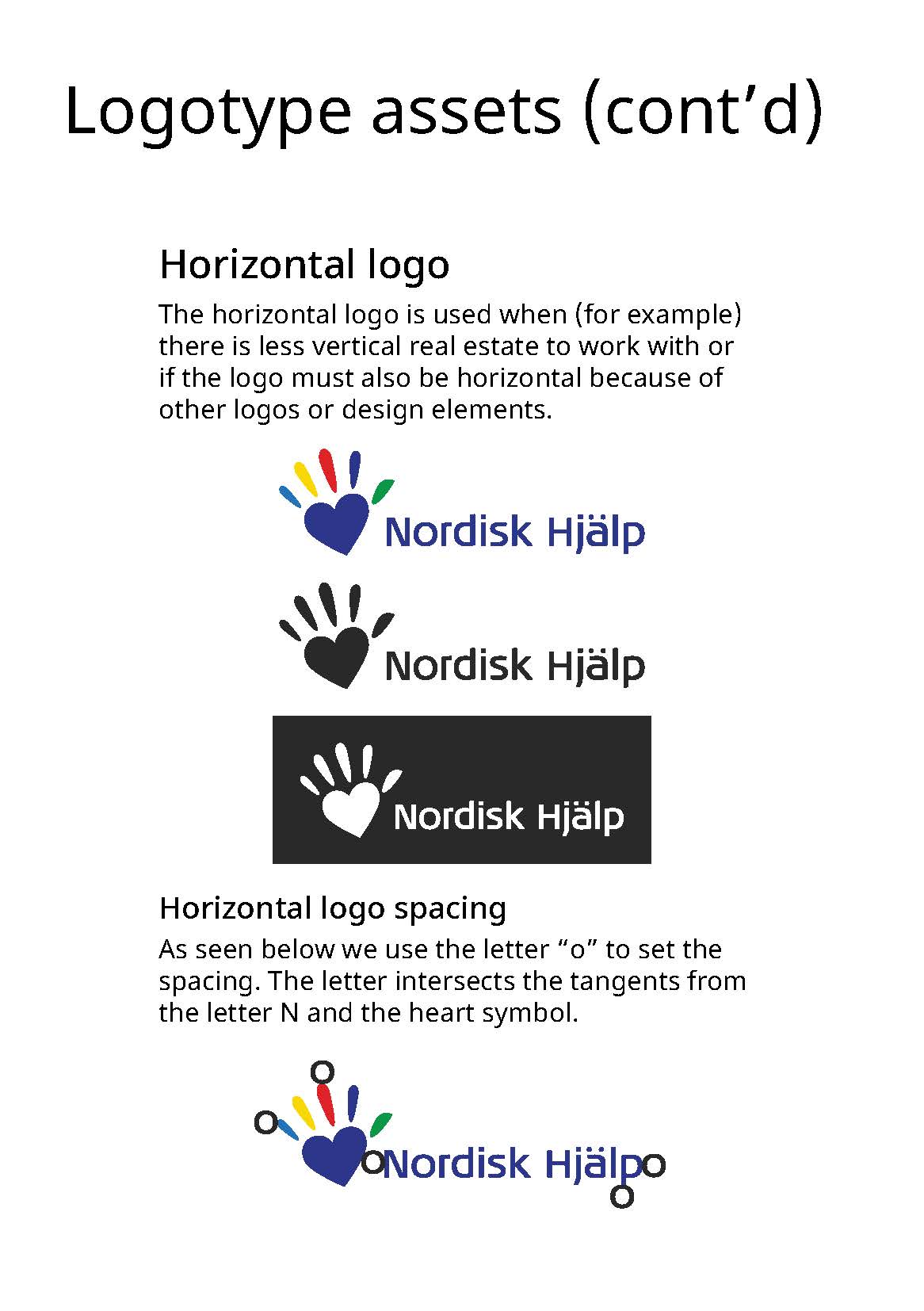
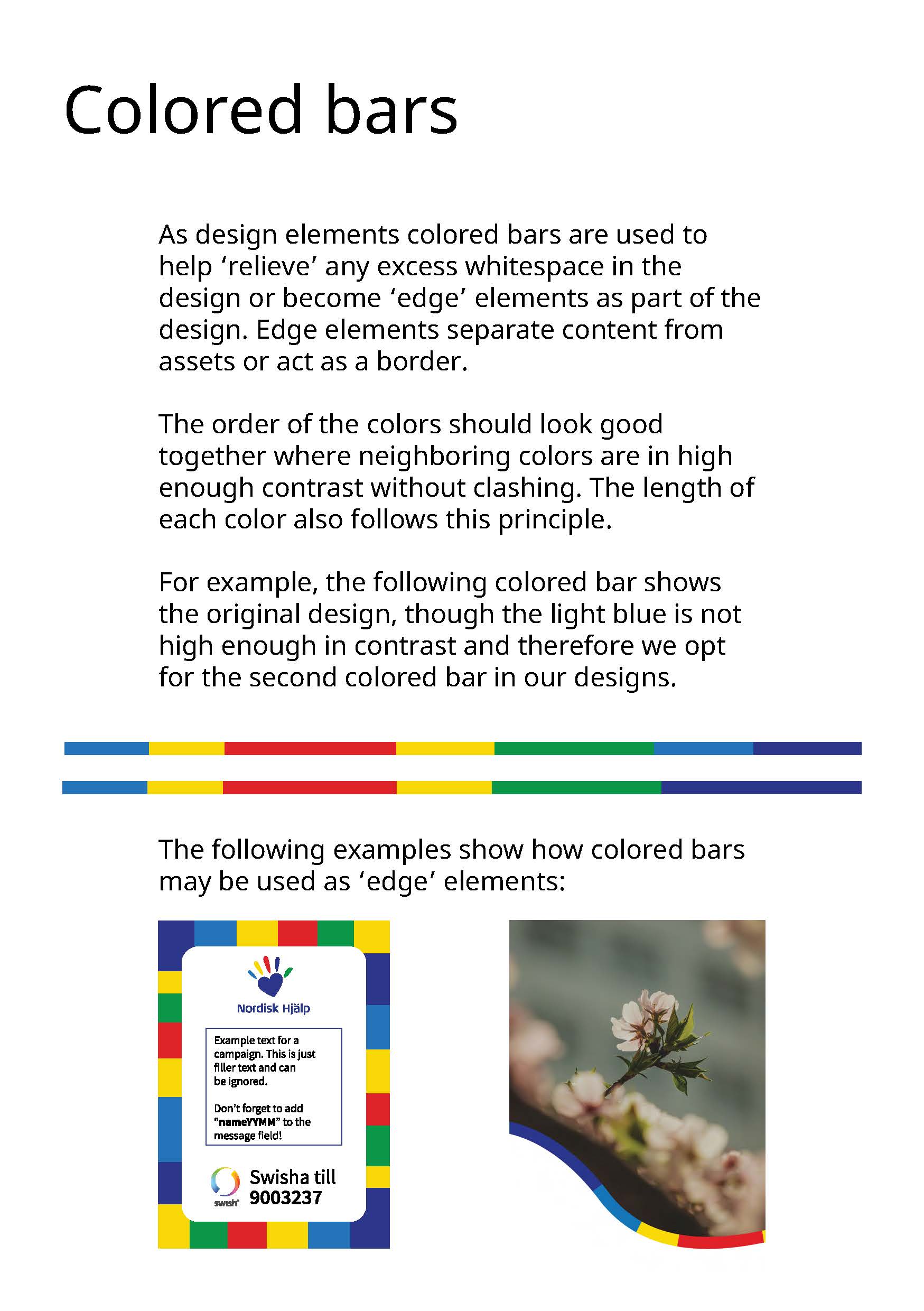
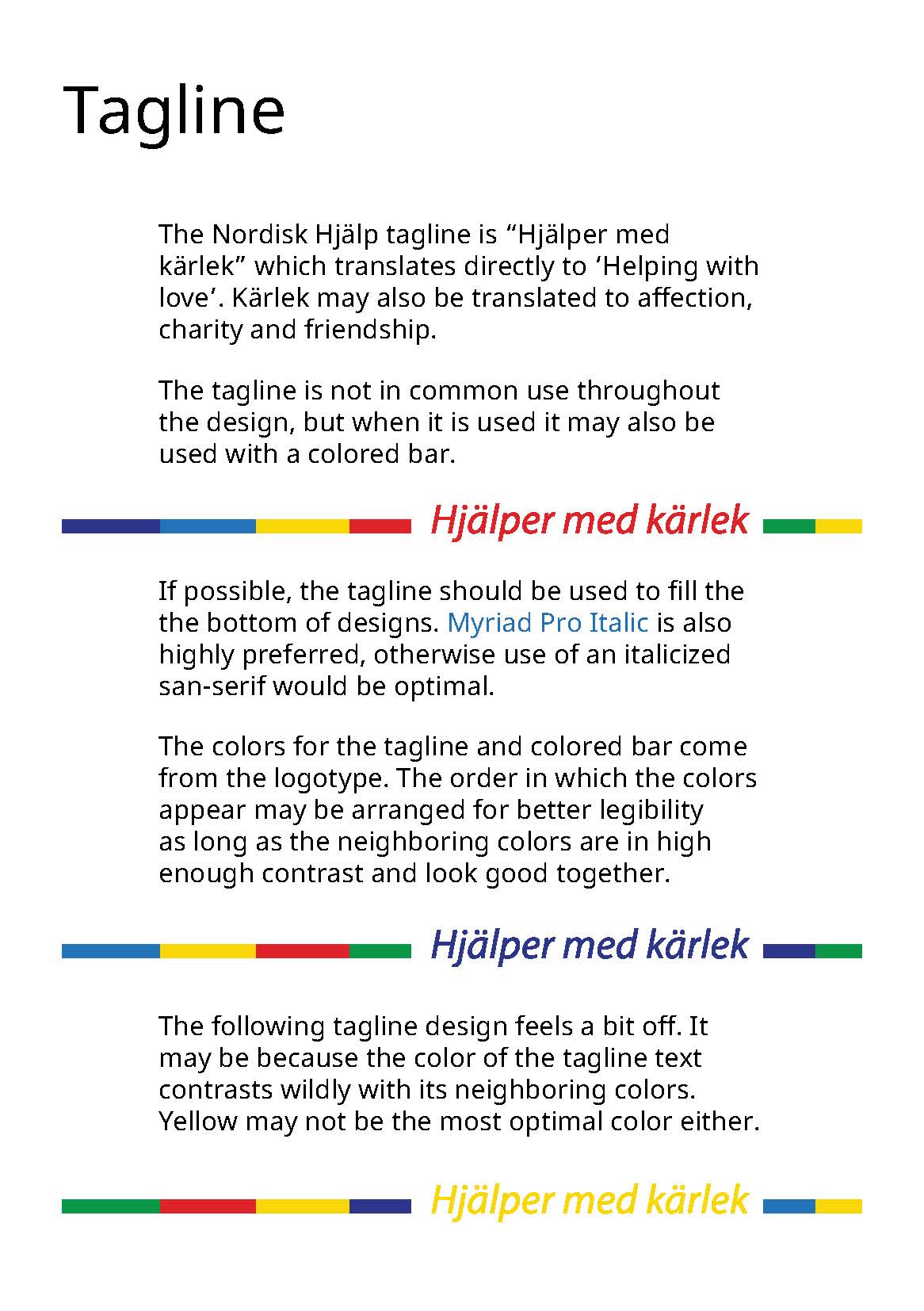
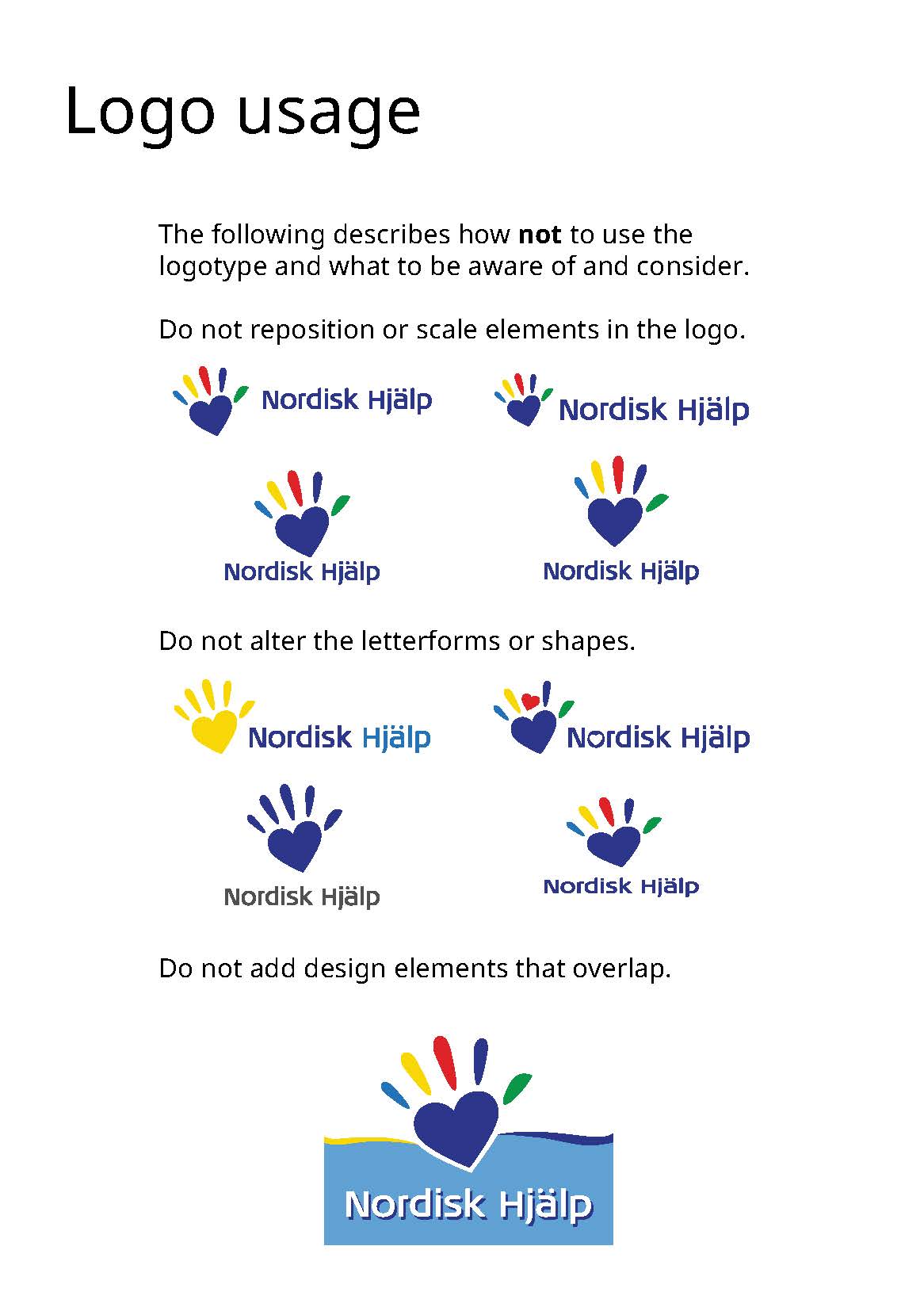
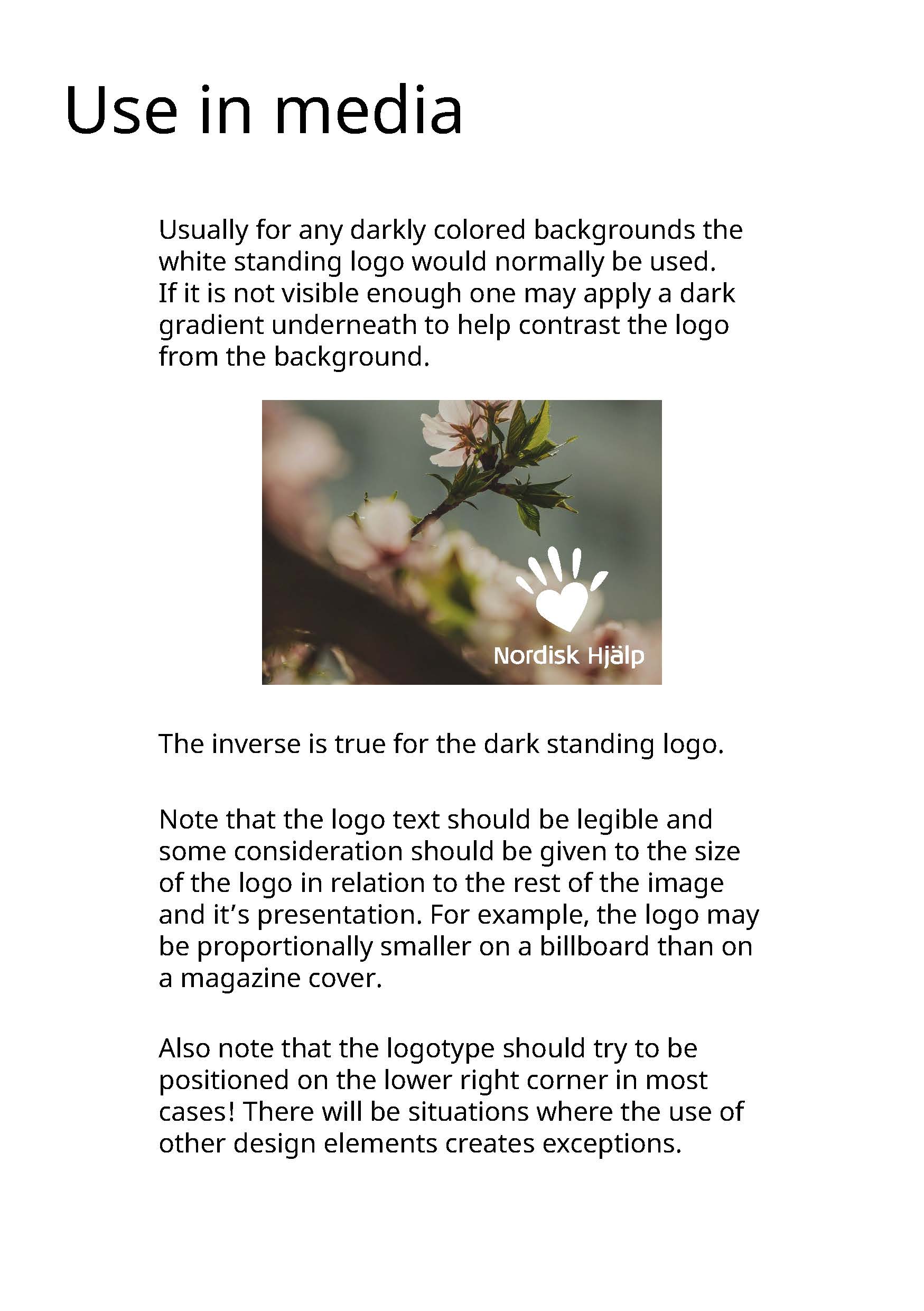
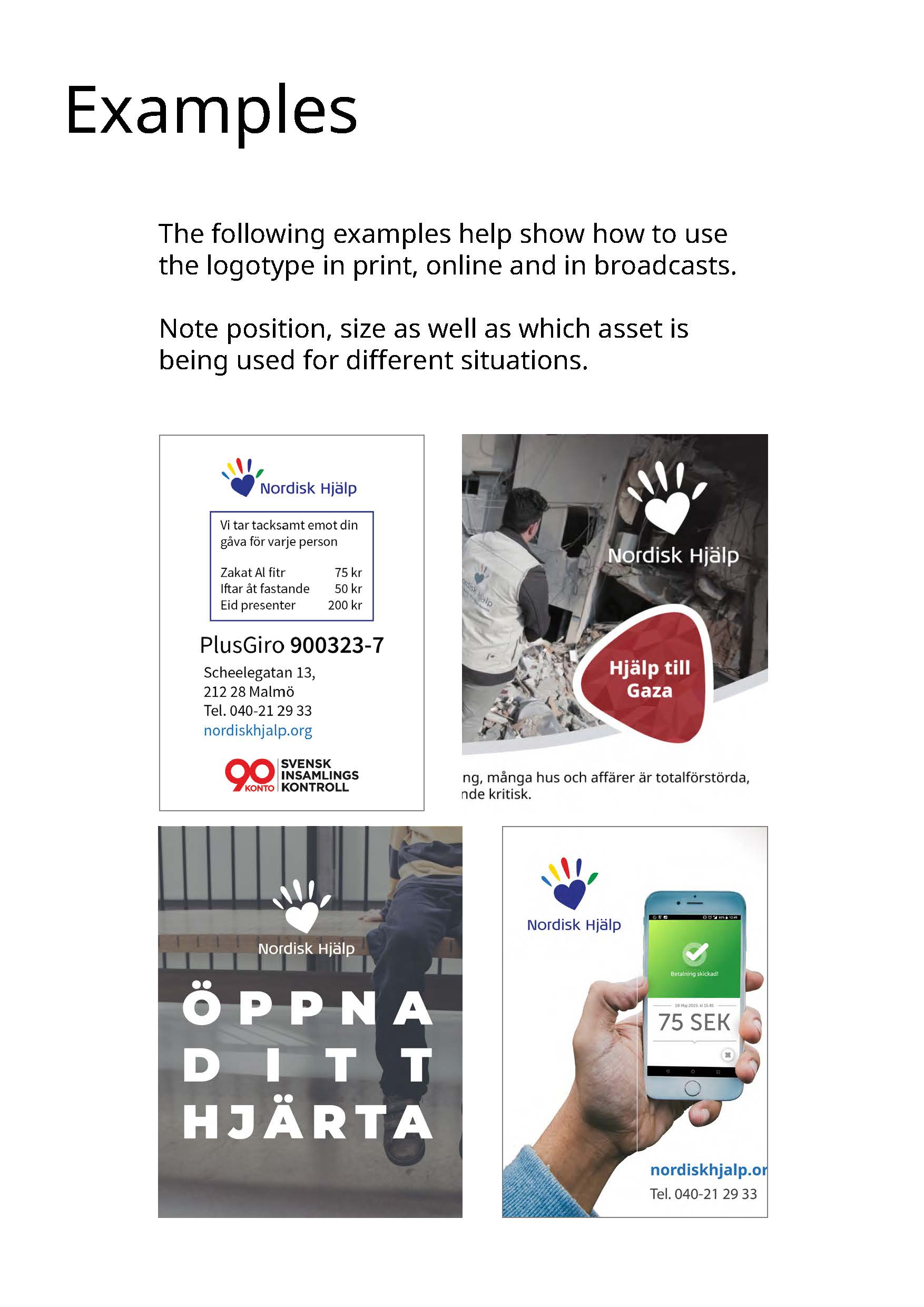
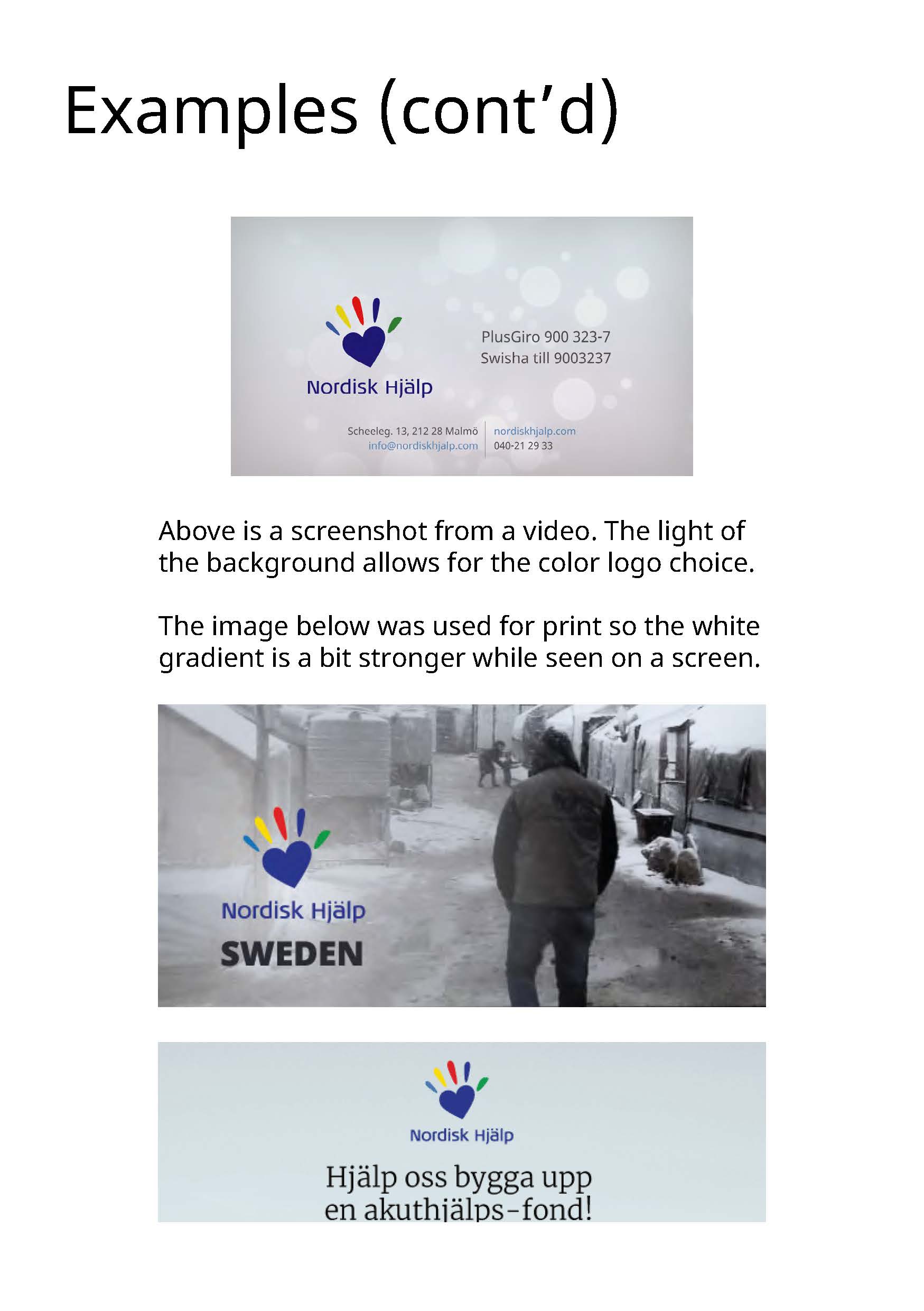
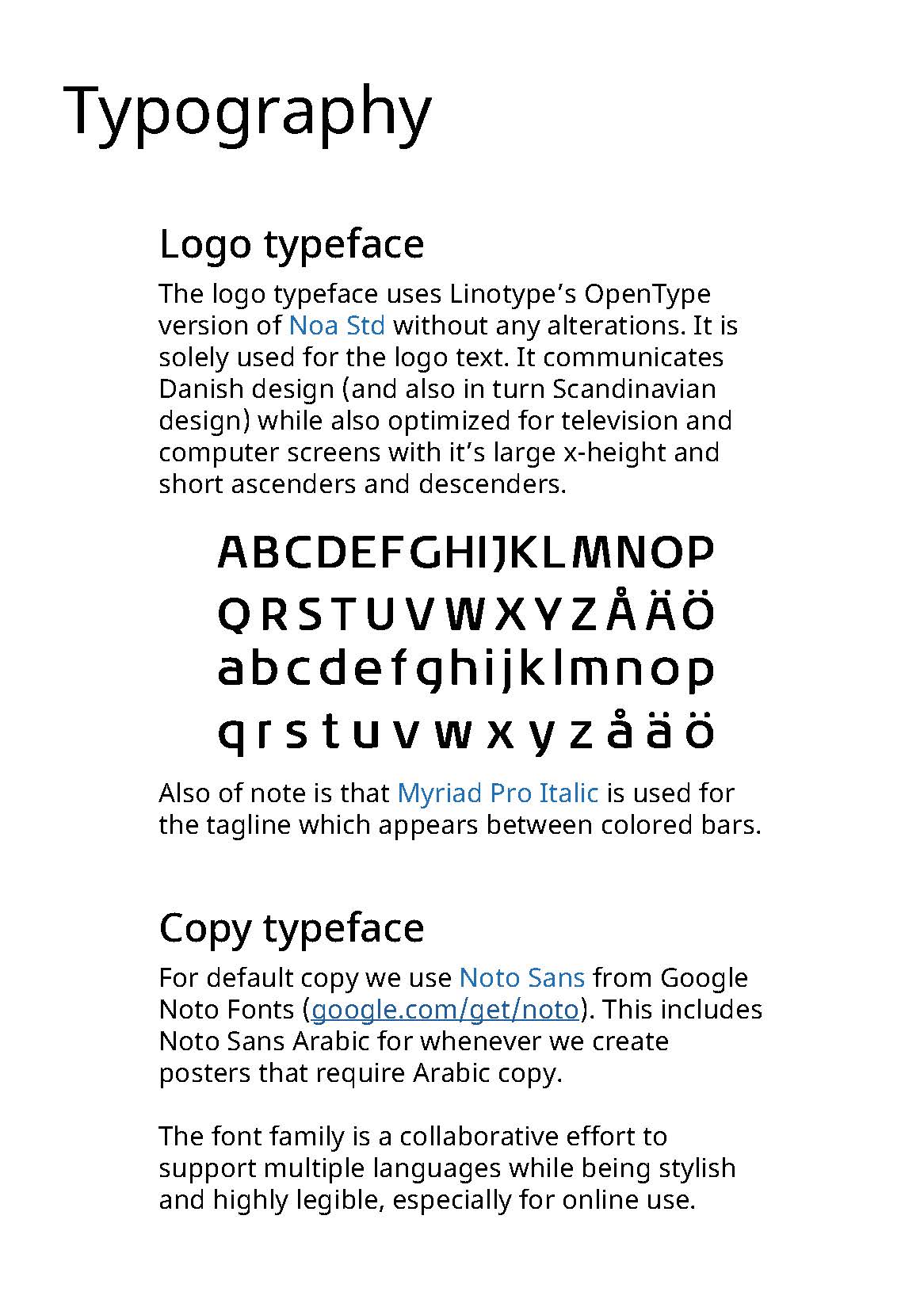
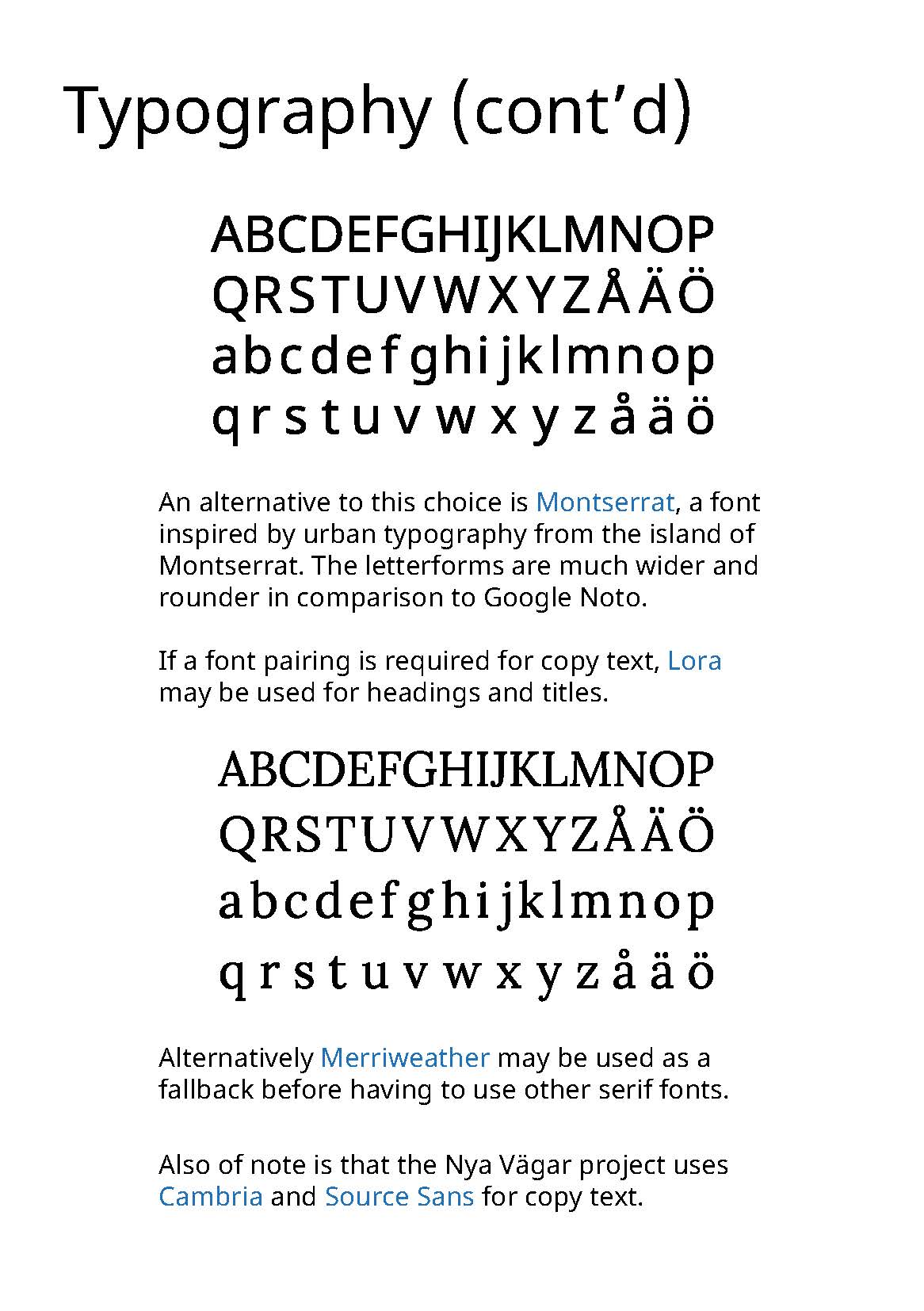
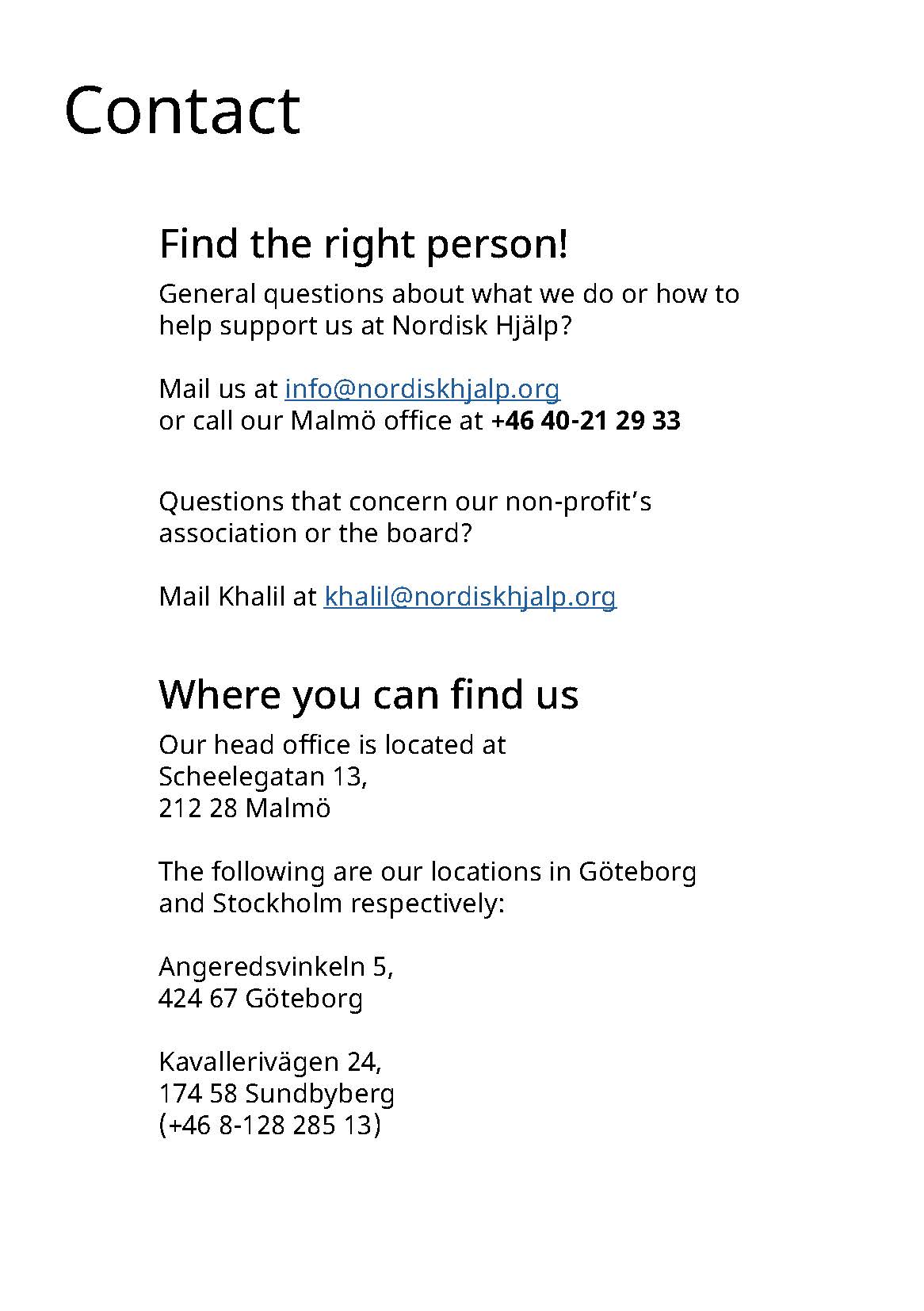
Here are all the pages to the Graphics Manual. As a nonprofit who regularly works with other organizations it was a given that this was necessary to have as many people as possible on the same page on the logo usage and guidelines.
I have also recreated the logo during the creation of this and allowed the download of it as an asset in .ai, .eps, .svg and .png (sized for print). It is also available in full color, white and dark alternatives and separated by vertical/horizontal choices. The bar/tagline itself was only made available as .eps/.png, though it is more for internal use. The logo I link below in ZIP format for download if curious.
Documentation and setting standards
One of the first few steps I took when starting was to create a Graphics Manual and to redo the logotype as there was no consistent use of the logo and graphics across marketing material.
Another big step was to use the NAS as a central file system for all the data. This also meant that the folder structure should be clear and easy to understand. Project folders have the dates they take place at the start of their directory names (i.e. 202109 15 Project Name). The NAS has a "hybrid" RAID (SHR) setup where at least a drive may fail and may be replaced without issue. That said I also set up a regular manual backup off-site to two other harddisk drives to ensure that data is not easily lost.
During the course of my stay Trello and Microsoft Teams were tested, but were not really useful. But our use of Slack worked pretty well, even if it was used very minimally. Slack was meant to allow for a lot of transparent communications with other parties on top of internal communications. But while I was actively working it was only used for internal discussions. I also helped set up the main Zoom account much later. These platforms became more preferred (along with email) as communication platforms, though I understood that WhatsApp and Facebook were still regularly used. WhatsApp was popular as it takes less effort to record voice memos than having to type things out in Arabic.
Creation of the /map/ link was then made so anyone can easily find the links to any of the projects we have online as well as online tools/platforms, the NAS server and our documentation. If you were logged on to the router at the office you would also gain links to different Google Sheet solutions that cater for the temporary CRM and document other things as well.
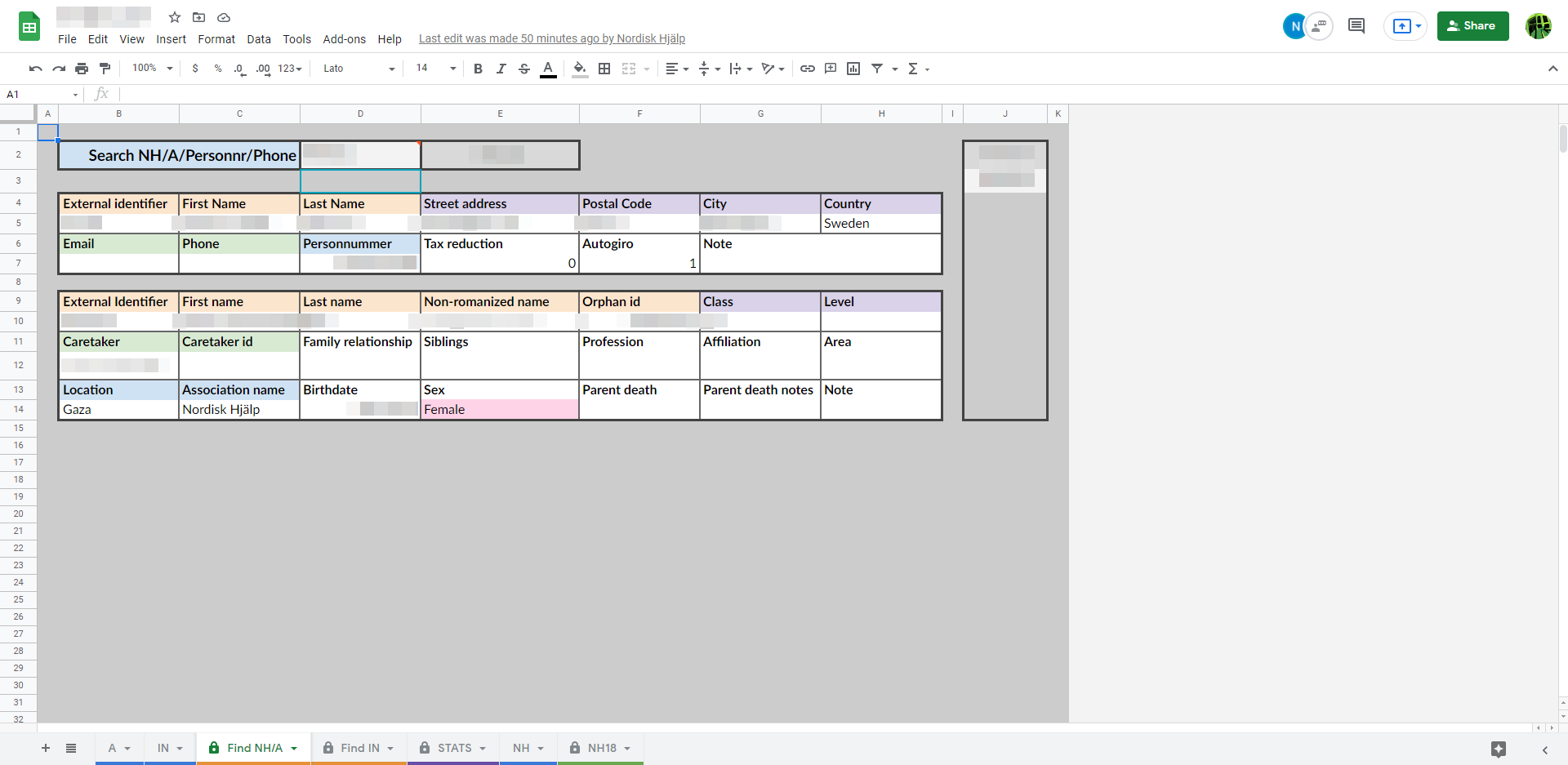
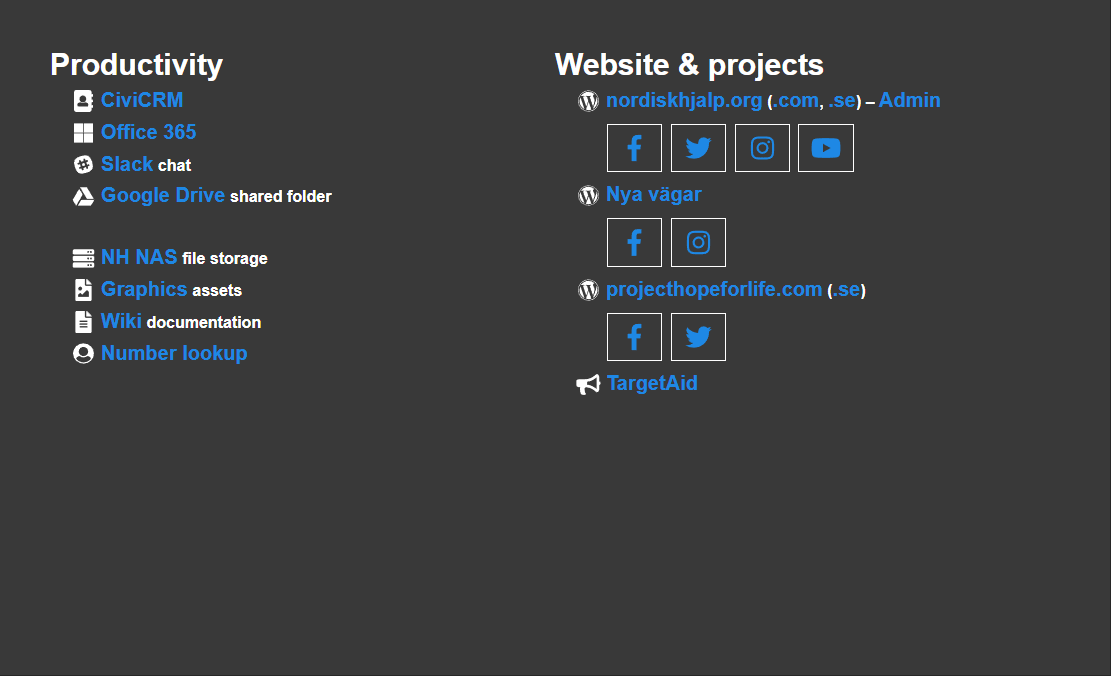 Screens of the CRM and the super accessible /map/ link.
Selection of some work tasks
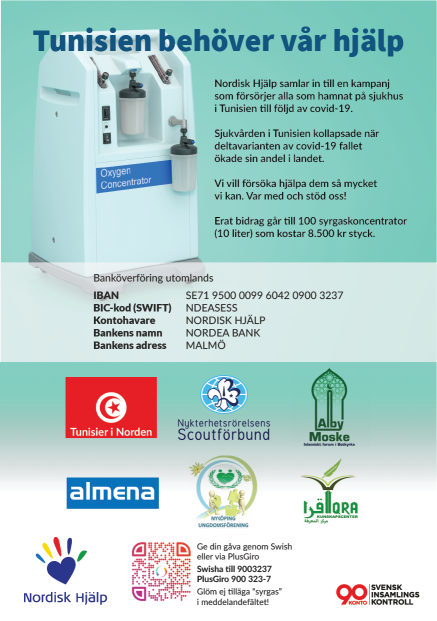
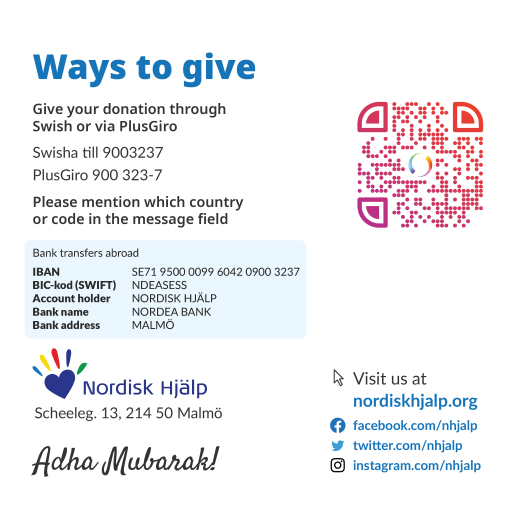
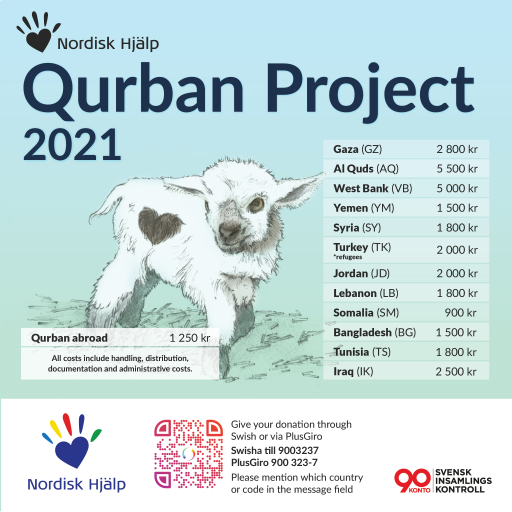
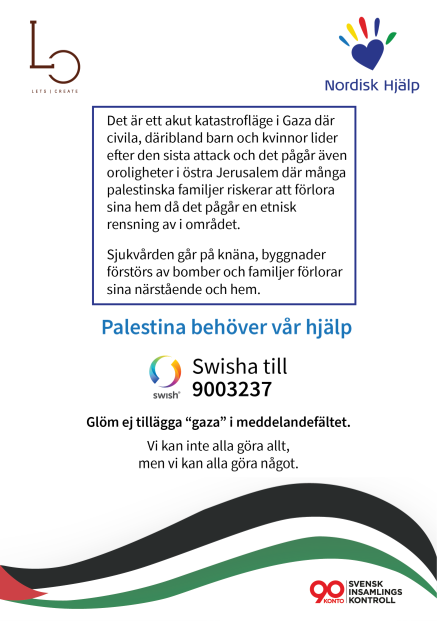
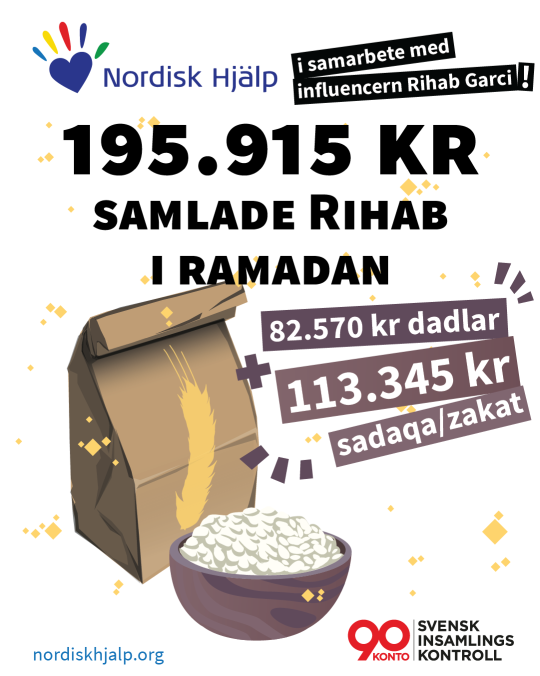
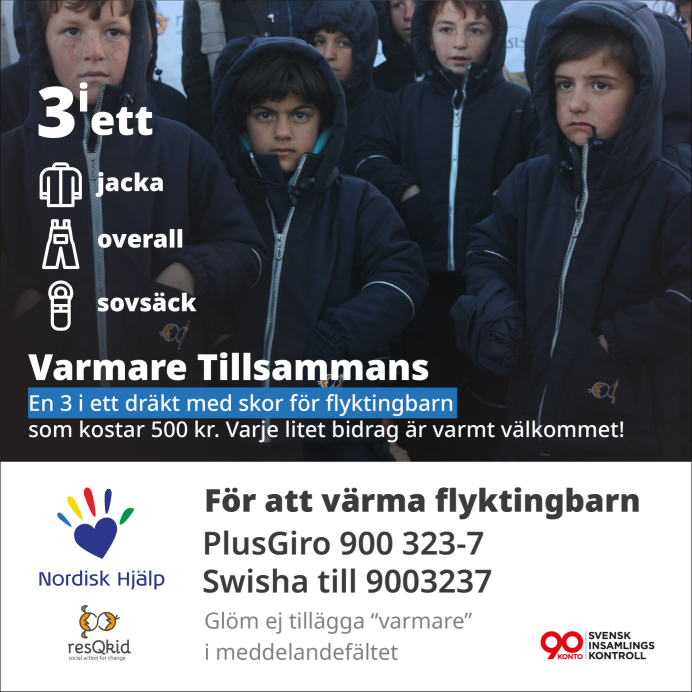
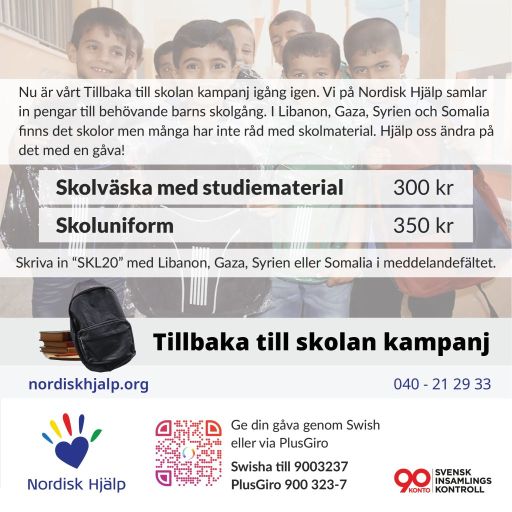
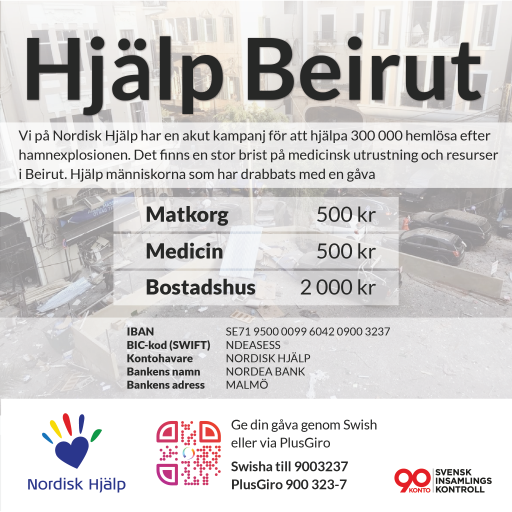
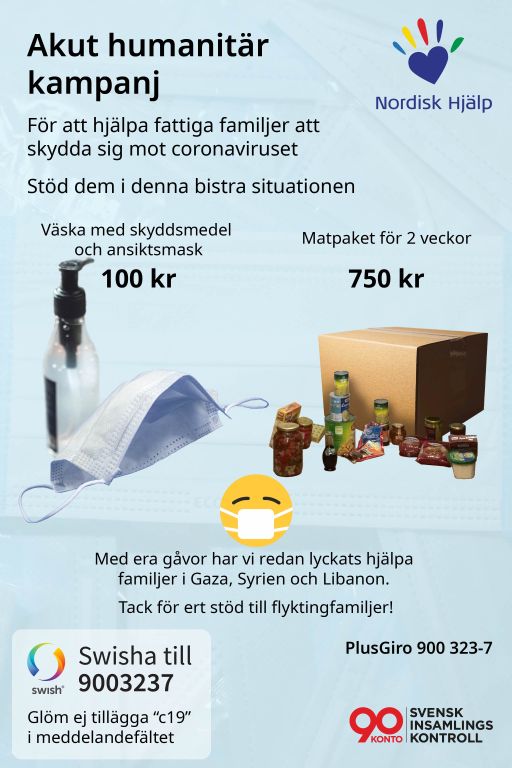
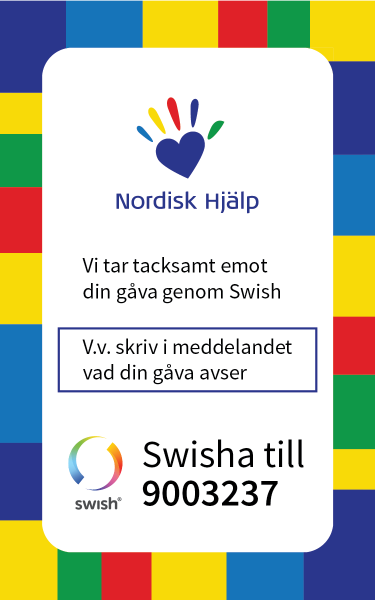
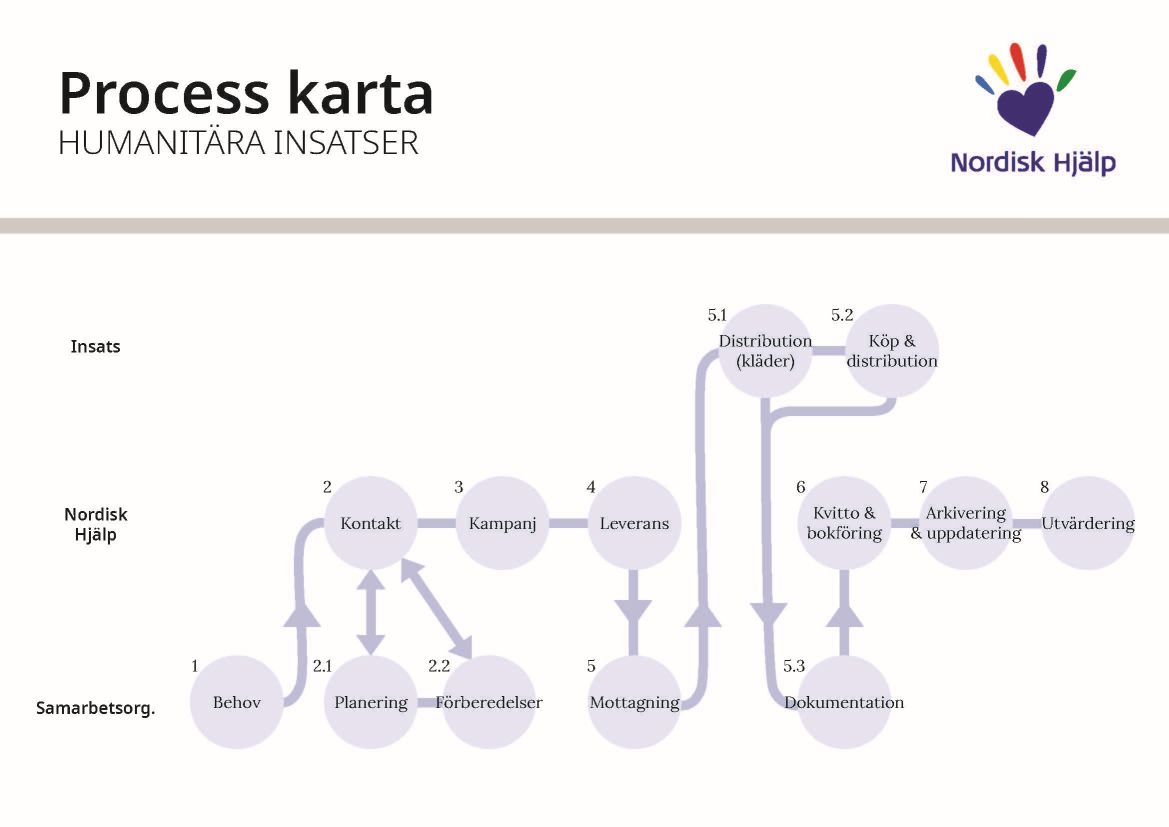
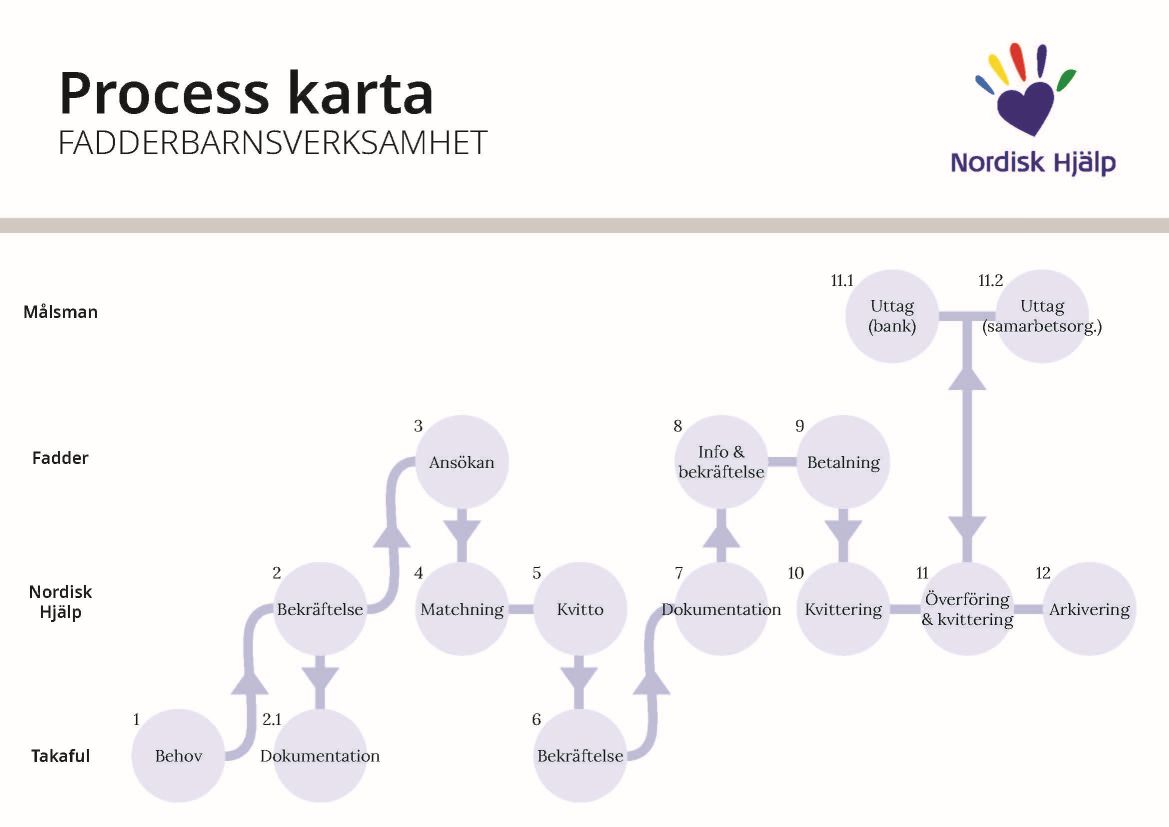
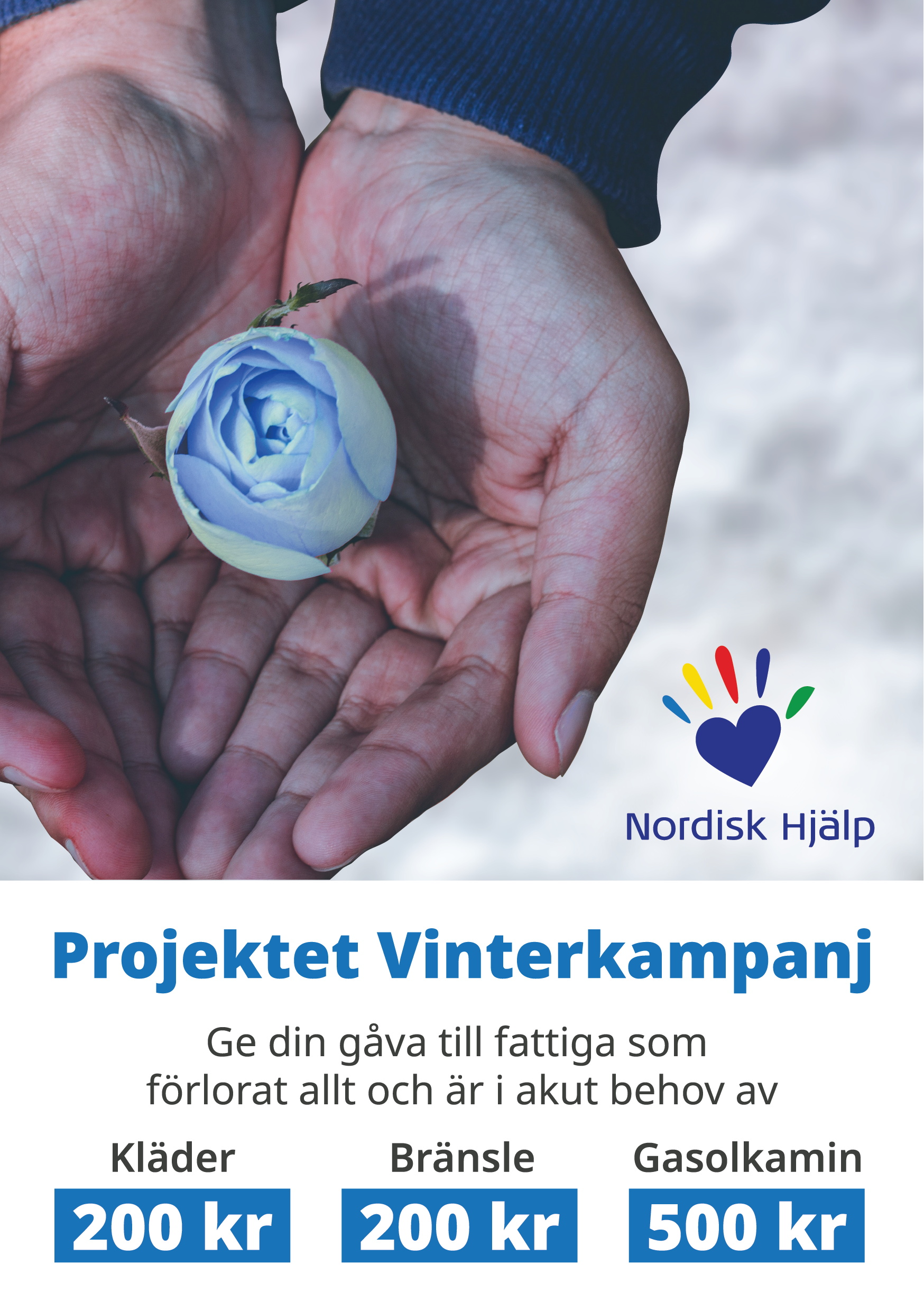
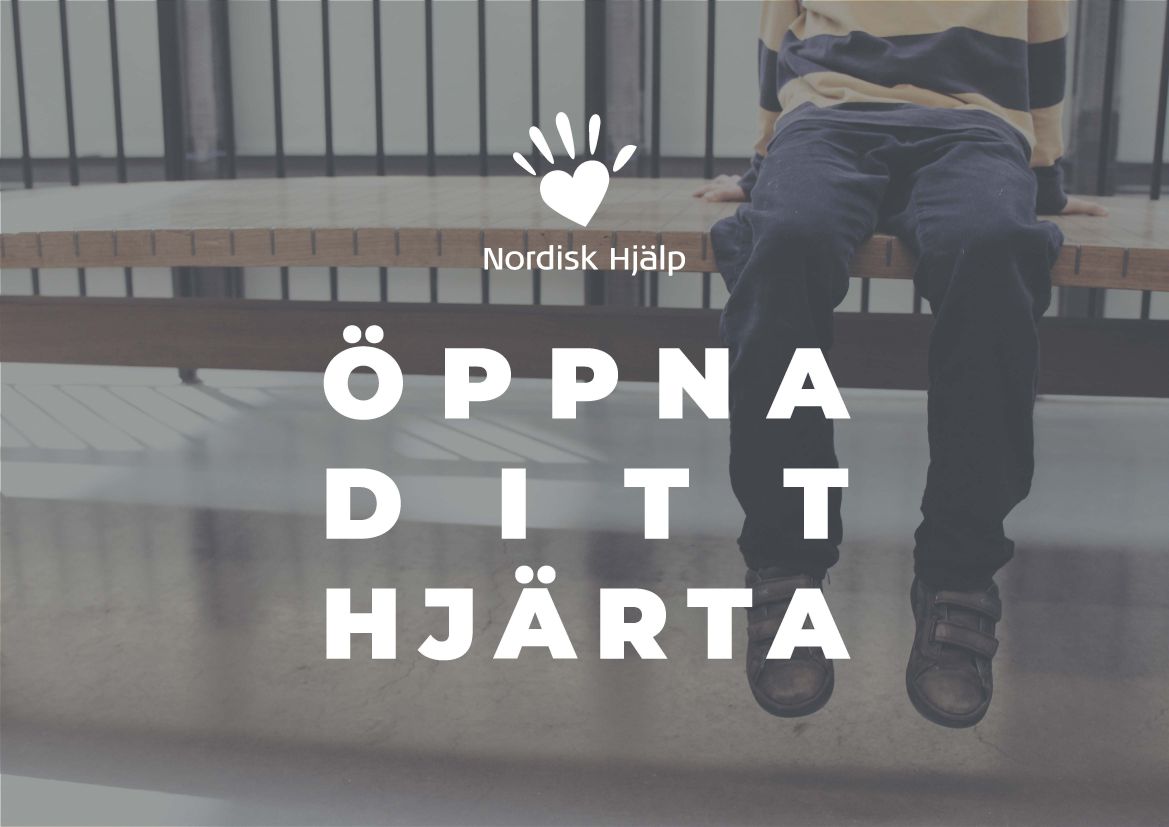
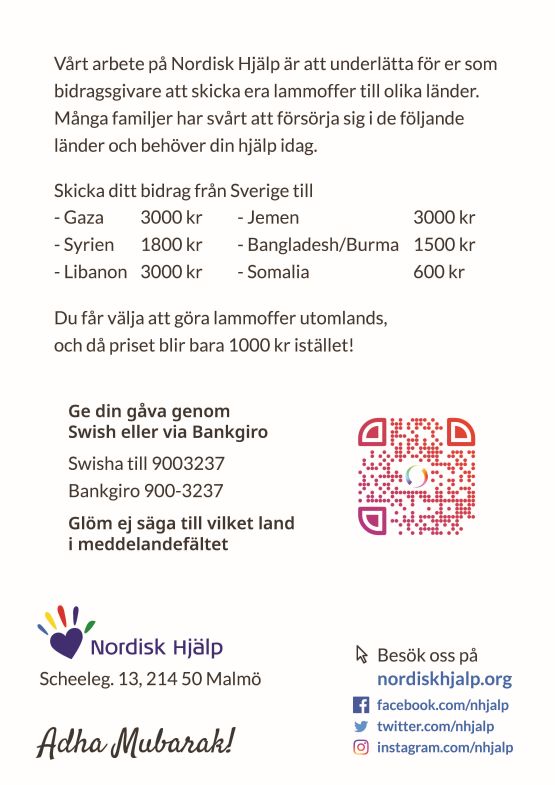
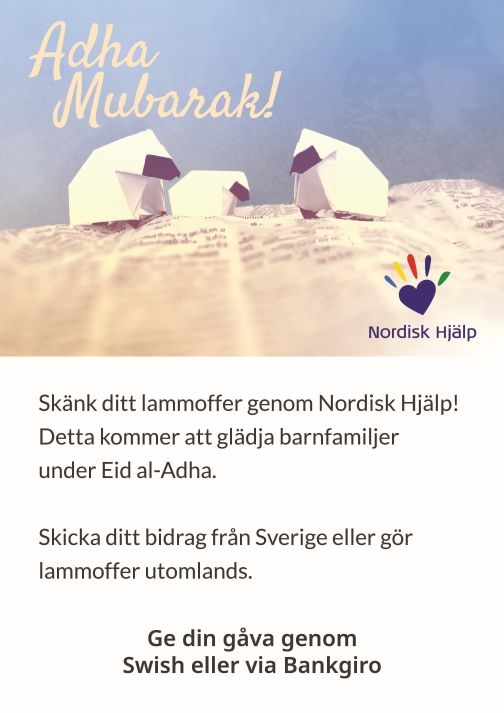
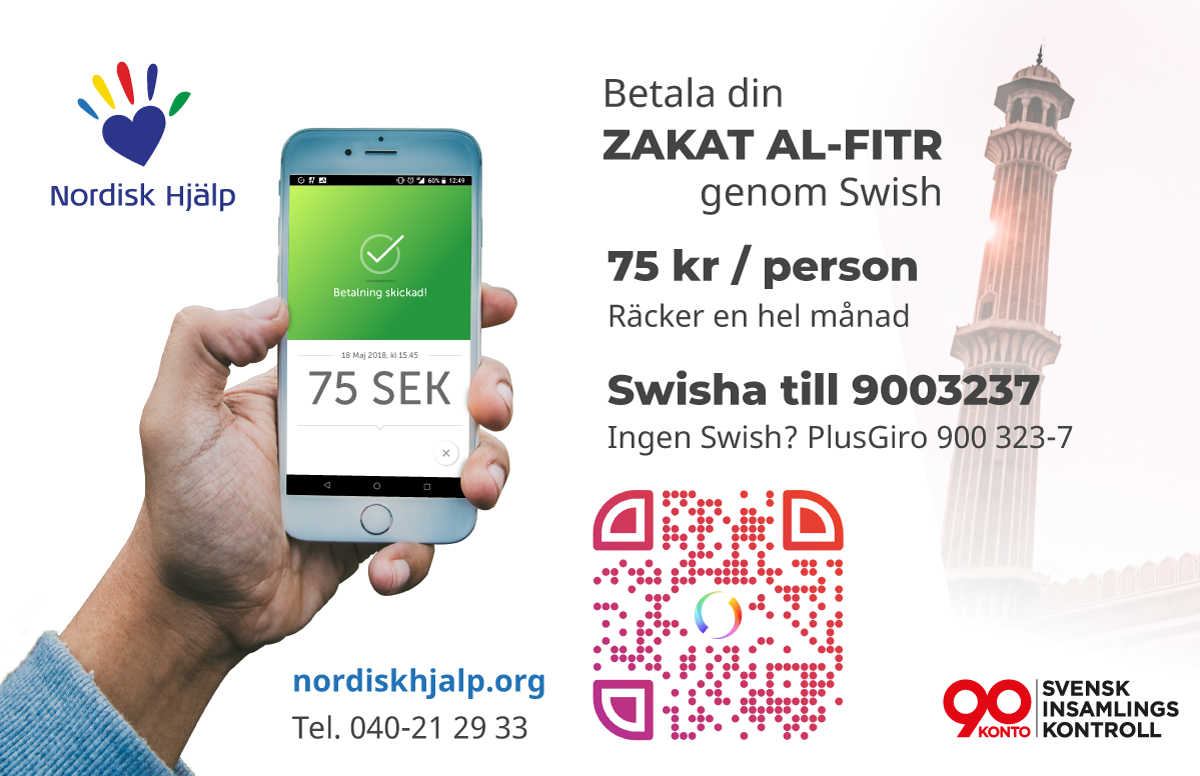
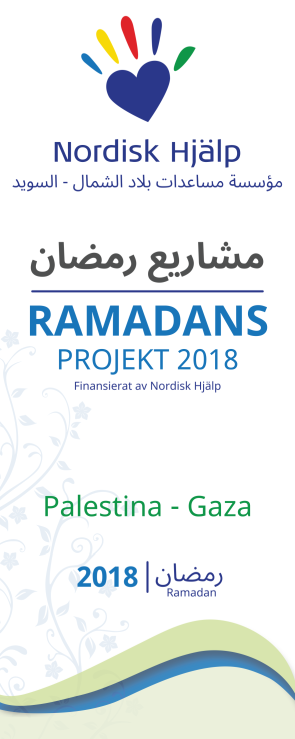
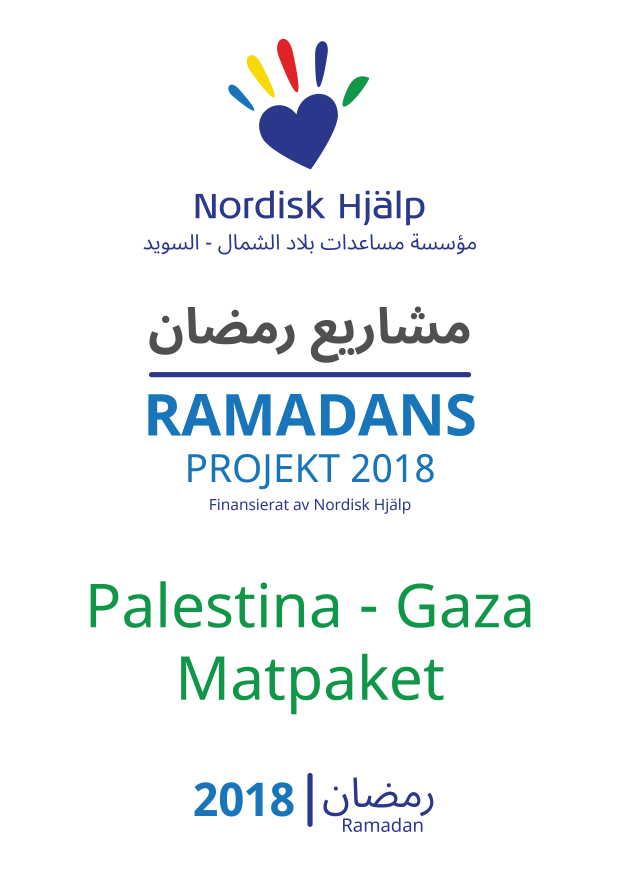
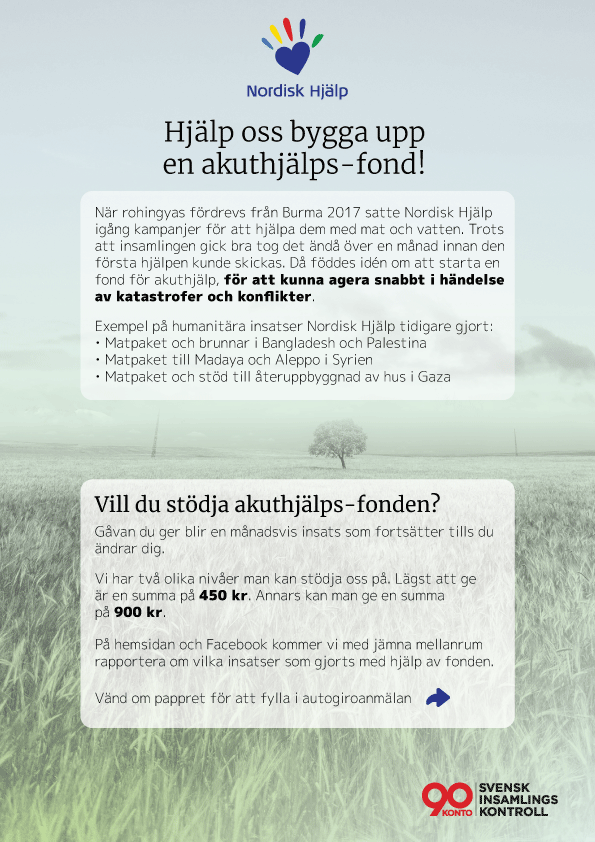
This gallery showcases some of what I have been working on during the course of my stay at Nordisk Hjälp.
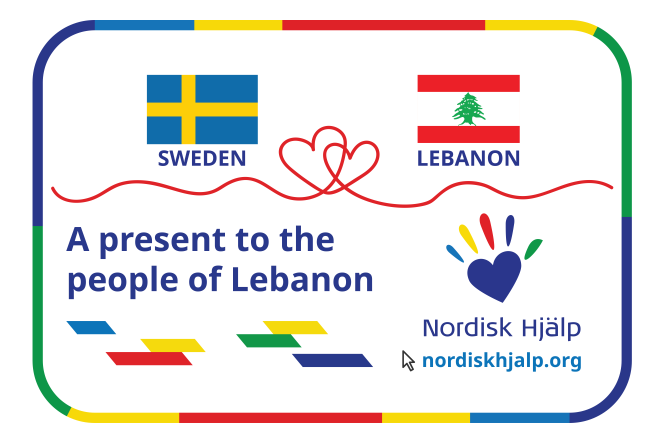
 A short outro video that I created. There are many variations to this which include other call-to-actions. There are also versions of this in the Swedish language.
